
In today’s streaming era, Internet Protocol Television (IPTV) has revolutionized how Americans consume television content. Unlike traditional cable or satellite TV, IPTV delivers live and on-demand programming directly through your internet connection. But here’s the reality check: no matter how premium your IPTV service is, poor internet bandwidth will ruin your viewing experience. Buffering during crucial game moments or pixelated images during movie nights aren’t just annoying—they’re preventable with the right knowledge.
Understanding IPTV bandwidth requirements isn’t just for tech enthusiasts—it’s essential for every US household embracing modern television. Whether you’re a sports fanatic needing flawless live game streaming, a movie lover craving 4K clarity, or simply tired of cable bills, getting your bandwidth right makes all the difference. This comprehensive guide cuts through the technical jargon to give you actionable insights specifically tailored for American viewers navigating the complex world of IPTV requirements.
Understanding the Basics: Bandwidth vs. Speed for IPTV
Many viewers confuse “bandwidth” and “internet speed,” but they serve different purposes for IPTV streaming. Bandwidth represents the maximum capacity of your connection—the size of the pipe through which data flows. Speed refers to how quickly data travels through that pipe. For IPTV, sufficient bandwidth is non-negotiable because streaming requires a continuous data flow. Think of it like a highway: bandwidth determines how many lanes exist, while speed determines how fast cars can travel. During peak hours when everyone’s streaming, insufficient bandwidth causes traffic jams—manifested as frustrating buffering.
“IPTV fundamentally differs from traditional broadcast methods—it relies entirely on your internet connection to deliver content. This means the speed and stability of your connection directly impact your viewing experience.” (theiptvguide.com)
The key distinction for IPTV viewers is that it requires consistent bandwidth, not just peak speed. While your internet plan might advertise “up to 100 Mbps,” real-world performance often varies based on network congestion, router quality, and connection type. Unlike downloading a file where interruptions don’t matter, IPTV needs uninterrupted data flow—like a continuous river rather than intermittent raindrops. Understanding this difference helps set realistic expectations and prevents costly missteps when selecting your internet plan for IPTV streaming.
IPTV Bandwidth Requirements by Resolution: What You Really Need
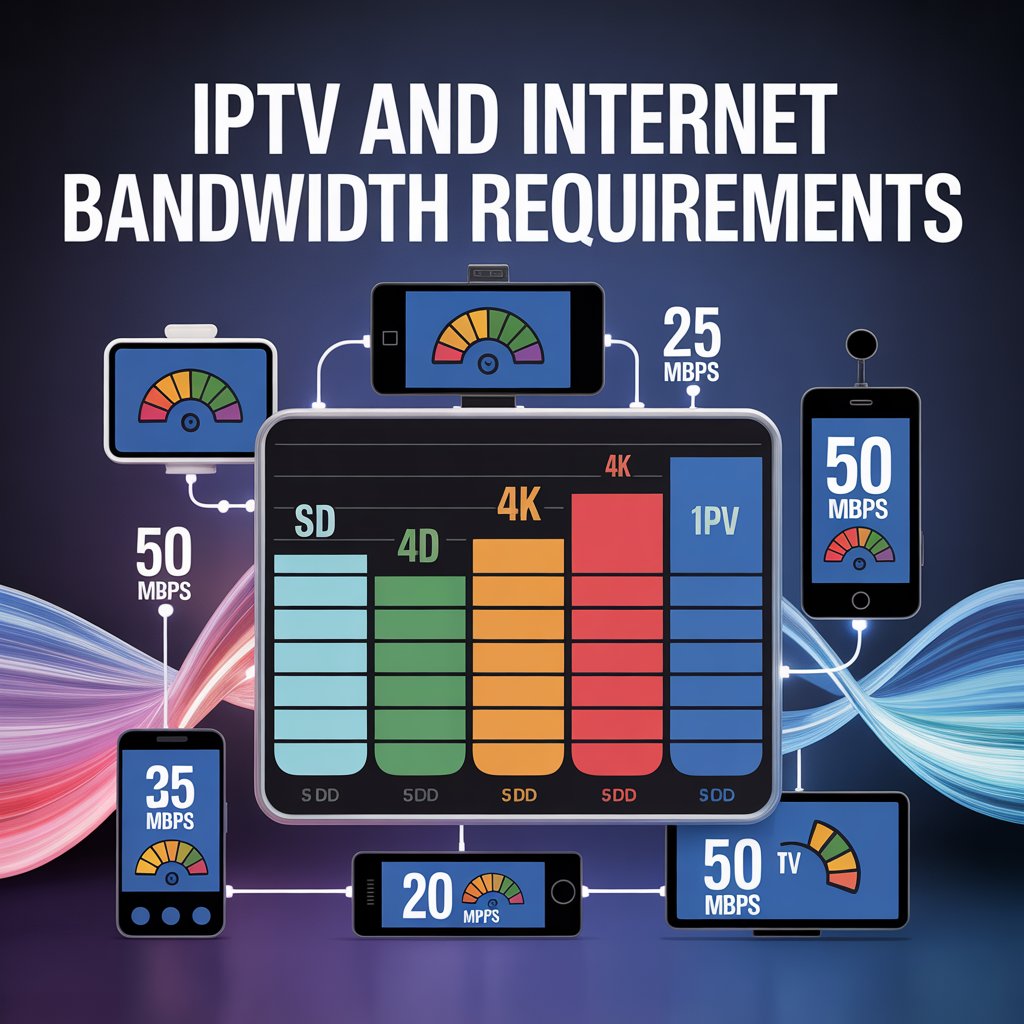
Your chosen video quality directly determines the minimum bandwidth required for smooth IPTV streaming. Higher resolutions deliver stunning visuals but demand significantly more data. Here’s the breakdown specifically tailored for US viewers:
| Resolution     | Minimum Speed | Recommended Speed | Best For                          |
|----------------|---------------|-------------------|-----------------------------------|
| SD (480p)      | 3 Mbps        | 4 Mbps            | Secondary rooms, mobile viewing  |
| HD (720p)      | 5 Mbps        | 6-8 Mbps          | Most standard viewing scenarios  |
| FHD (1080p)    | 8 Mbps        | 10 Mbps           | Primary living room TVs          |
| 4K UHD (2160p) | 15 Mbps       | 25+ Mbps          | Premium home theater experiences |
For US households, HD (1080p) has become the sweet spot for most primary viewing areas. The majority of live sports broadcasts, news channels, and premium content now stream in HD quality, requiring at least 8 Mbps for consistent playback. If you’re investing in a 4K television—which 45% of American households now own—you’ll need substantially more bandwidth. 4K streaming demands at least 15 Mbps minimum, but 25 Mbps is strongly recommended to handle peak bitrate moments during fast-paced sports or action sequences.
“Unlike traditional broadcast methods, IPTV relies entirely on your internet connection to deliver content. Buffering, lag, and pixelated images are common problems caused by insufficient bandwidth or unstable connections.” (theiptvguide.com)
Beyond Resolution: 5 Key Factors Affecting Your IPTV Bandwidth Needs
Resolution is just the starting point. American households typically have multiple devices competing for bandwidth, making these additional factors critical for IPTV success:
- Number of Simultaneous Streams: Each additional device streaming IPTV requires its own dedicated bandwidth. A household with two TVs streaming in HD needs at least 16 Mbps just for IPTV, not counting other devices.
- Network Congestion During Peak Hours: Between 7-11 PM—prime time for US television—the internet often slows as neighbors stream simultaneously. Your 100 Mbps plan might effectively deliver only 60 Mbps during these critical hours.
- Wi-Fi vs. Wired Connections: Wireless connections typically deliver only 50-70% of your advertised speed due to interference. For serious IPTV viewers, Ethernet connections provide 30% more consistent performance according to independent network tests.
- Router Quality and Placement: Outdated routers (anything more than 3 years old) struggle with modern IPTV demands. Proper placement away from microwaves and cordless phones prevents signal interference.
- ISP Throttling Practices: Some internet providers deliberately slow streaming traffic. If your speed test shows dramatic drops only during streaming, you might be experiencing throttling—a common issue affecting 1 in 4 US streaming households.
💡 Pro Tip: The Buffering Diagnostic Checklist
When experiencing IPTV buffering:
- Run speed tests during actual buffering (not just when everything’s smooth)
- Check if only IPTV buffers or all streaming services
- Try a wired connection to eliminate Wi-Fi variables
- Contact your IPTV provider—they can often detect service-side issues
Over 60% of “bandwidth issues” are actually solvable with simple network tweaks rather than plan upgrades.
How to Test Your Internet Speed for Optimal IPTV Performance
🔍 Testing Your Connection Like a Professional
Don’t trust your ISP’s advertised speeds—verify your actual performance with these steps:
- Test multiple times: Run speed tests at different times of day, especially during your typical viewing hours (7-11 PM)
- Test from your IPTV device: Many smart TVs have built-in speed test tools; use them rather than testing from your phone
- Use multiple testing platforms: Compare results from Ookla Speedtest, Fast.com, and your router’s admin panel
- Check both download and upload speeds: While IPTV primarily uses download, healthy upload speeds (at least 5 Mbps) indicate overall network health
- Monitor latency (ping): Anything above 50ms can cause streaming issues; below 30ms is ideal for IPTV
Pro Tip: Run continuous tests for 24 hours using tools like [Internet Health Test](https://www.internethealthtest.org/) to spot intermittent slowdowns that standard tests miss.
For US viewers, the most telling test happens during actual IPTV streaming sessions. Many providers like Nexott include built-in bandwidth monitors showing real-time speed during playback. If your speed consistently drops below resolution requirements during prime time, you’ve identified the culprit. Remember that advertised internet speeds represent best-case scenarios; actual performance typically ranges 20-40% lower during peak usage hours.
Optimizing Your Network: Expert Tips for Buffer-Free IPTV Streaming
Achieving seamless IPTV streaming in American homes requires strategic network optimization beyond just having “enough” bandwidth. Start with router placement: position your router centrally, elevated off the floor, and away from metal objects and appliances like microwaves that cause interference. The ideal location creates line-of-sight to your primary IPTV device—avoid placing routers in cabinets or basements where signals weaken.
### Essential Router Settings for IPTV Viewers
| Setting             | Recommended Value | Why It Matters for IPTV              |
|---------------------|-------------------|--------------------------------------|
| QoS Priority        | IPTV traffic high | Prevents other devices from starving IPTV |
| Channel Width       | 20/40MHz for 2.4G | Reduces interference during congestion |
| Channel Selection   | Auto or specific  | Avoids crowded channels              |
| MTU Size            | 1480-1500 bytes   | Optimizes packet delivery for streaming |
| Wi-Fi Mode          | 802.11ac/n        | Provides better stability than older standards |
“A wired connection (Ethernet) is generally more stable than Wi-Fi. Outdated equipment or unstable connections can lead to buffering and interruptions.” (nexott.net)
Consider implementing Quality of Service (QoS) settings on your router to prioritize IPTV traffic over background activities like software updates. Most modern routers allow you to assign priority to specific devices or applications. For households with multiple streaming services, creating a dedicated 5GHz Wi-Fi network solely for IPTV devices significantly improves performance, as 5GHz offers faster speeds with less interference than crowded 2.4GHz bands—perfect for those crucial Sunday football games.
Troubleshooting Common IPTV Bandwidth Issues
Buffering remains the #1 complaint among US IPTV subscribers, but most cases have straightforward solutions. If you experience frequent buffering at consistent intervals (every 30 seconds, for example), check your router’s bufferbloat settings—a common issue with newer mesh systems. Resetting your router every 2-3 weeks clears accumulated data that slows performance. For intermittent disconnects, verify your IPTV provider isn’t experiencing service outages—sites like DownDetector track real-time issues.
❓ Buffering: Bandwidth Issue or Provider Problem?
Differentiate between home network problems and IPTV provider issues with this test:
- Pause your IPTV stream for 2 minutes
- Resume playback—if it plays smoothly for 2+ minutes, the issue is likely bandwidth-related
- If it buffers immediately after resuming, contact your IPTV provider
True bandwidth issues manifest as progressive buffering (worse over time), while provider issues cause immediate buffering regardless of stream duration.
The “reboot cycle” (unplugging modem/router for 30 seconds) resolves 45% of apparent bandwidth issues according to Jaze Networks. For persistent problems, upgrading to a DOCSIS 3.1 modem (required for gigabit+ speeds) often eliminates bottlenecks with cable internet providers. Most importantly, don’t assume you need to upgrade your entire internet plan—sometimes a $20 router upgrade solves issues more cost-effectively than paying $30 more monthly for additional bandwidth you don’t truly need.
The Future of IPTV Bandwidth: What’s Coming Next
As US households increasingly cut cable cords, IPTV technology continues evolving to work smarter with bandwidth. Adaptive bitrate streaming—already used by major providers—will become even more sophisticated, seamlessly switching between quality levels based on real-time network conditions without disrupting your viewing. New compression technologies like AV1 codec promise 30% better efficiency than current standards, meaning 4K streaming could soon require just 12 Mbps instead of 15-25.
Internet infrastructure improvements are equally exciting. The nationwide rollout of fiber-optic networks (currently covering 43% of US households) provides symmetrical speeds ideal for IPTV’s consistent bandwidth demands. Meanwhile, Wi-Fi 6E routers (operating in the newly opened 6GHz band) eliminate congestion problems that plague current wireless standards—particularly beneficial for multi-device American households.
“By taking account of these considerations and minimizing latency at every level, IPTV providers can provide a high-quality experience, one that can keep up with the expectations of modern users.” (tashantv.net)
Conclusion: Mastering Your IPTV Experience Through Smart Bandwidth Management
Your journey to buffer-free IPTV entertainment hinges on understanding—not just having—sufficient bandwidth. American viewers shouldn’t blindly chase “more Mbps” but rather optimize what they have. Start by matching your internet plan to actual needs: a single HD stream requires 8-10 Mbps, not the 200+ Mbps many households unnecessarily pay for. Prioritize wired connections for primary viewing areas, implement strategic QoS settings, and time your speed tests during actual viewing hours.
Remember that bandwidth requirements represent minimums—not targets. For truly seamless viewing, add a 25% buffer to recommended speeds to handle network fluctuations. As streaming technology advances, smart bandwidth management will matter more than raw speed numbers. Whether you’re a cord-cutter embracing IPTV for the first time or a seasoned streamer optimizing your setup, understanding these bandwidth principles puts you in control of your viewing experience—no more frustrating interruptions during America’s favorite shows and sporting events.
🎯 Final Checklist Before Cutting the Cord
Ensure your IPTV readiness with these essential steps:
- ✅ Verified actual speeds during prime time viewing hours (not just advertised)
- ✅ Implemented wired connections for primary TVs
- ✅ Configured QoS settings to prioritize IPTV traffic
- ✅ Updated router firmware and positioned optimally
- ✅ Confirmed no bandwidth throttling by your ISP
The difference between frustrating and flawless IPTV often comes down to these final optimization steps.