Picture this: you’re on a packed commute train, thirty minutes from home, and your team just kicked off in a must-watch Champions League match. You pull out your phone, fire up your IPTV app, and the game streams in crisp HD — no cable box, no smart TV required. For millions of cord-cutters in 2026, this is no longer a fantasy. It’s Tuesday morning.
Using IPTV on mobile devices has quietly become one of the most significant shifts in how people consume live television. Internet Protocol Television — IPTV for short — delivers live channels, sports, and on-demand content over the internet rather than through a satellite dish or cable wire. And increasingly, that internet connection fits in your pocket.
The numbers back this up. According to recent industry reports, over 70% of streaming users now access video content primarily through mobile devices, with IPTV adoption growing fastest among users aged 25–45 who prioritize flexibility over the traditional living-room setup. The global IPTV market is projected to surpass $115 billion by 2026, with mobile access accounting for a substantial and growing slice of that figure.
But “growing fast” doesn’t mean “without problems.” Mobile IPTV brings genuine advantages — unmatched portability, lower costs, and access to 20,000+ global channels — alongside real headaches like buffering, battery drain, and murky legal waters. This article breaks down both sides honestly, so you can decide whether portable IPTV viewing belongs in your daily routine.
What Is IPTV on Mobile Devices?
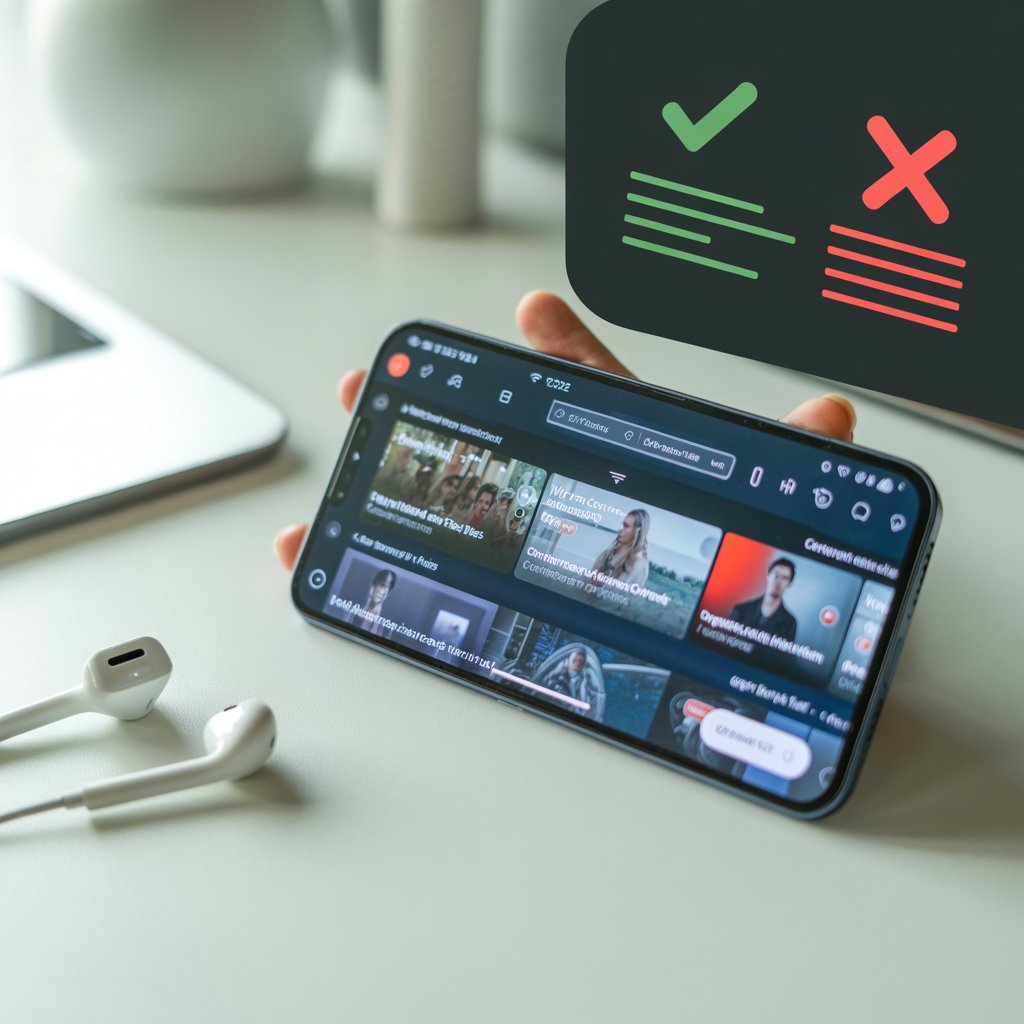
IPTV on smartphones and tablets works by streaming television signals over an internet connection using a dedicated app, rather than a cable or satellite infrastructure. Instead of a set-top box hooked to your TV, your phone becomes the receiver — fetching live channel feeds, electronic program guides (EPGs), and on-demand libraries from a remote server.
The experience is delivered through mobile IPTV players — applications that read M3U playlist files or connect directly to a provider’s server to display live channels and scheduling data. Popular options include:
- GSE Smart IPTV — Feature-rich and available on both Android and iOS; supports multiple playlist formats and parental controls.
- IPTV Smarters Pro — One of the cleanest interfaces available, with multi-screen support and a built-in EPG.
- Perfect Player — A favorite among Android users for its customizable layout and solid stability.
- Flex IPTV — The go-to choice for iOS users frustrated by Apple’s more restrictive app ecosystem.
- TiviMate — Premium Android experience with a TV-like interface that works beautifully on tablets.
Compatible devices span a wide range: Android phones and tablets (versions 5.0 and above), iPhones and iPads (iOS 13+), Amazon Fire tablets, and even Chromebooks running Android apps. This broad compatibility means IPTV on smartphones isn’t limited to flagship hardware — a mid-range Android can handle HD streams without issue.
The key difference from traditional streaming services like Netflix or Disney+ lies in content type. Netflix delivers on-demand libraries with polished apps and zero latency concerns. IPTV, by contrast, specializes in live channels — sports, news, international programming, and Pay-Per-View events — in real time. It’s the digital equivalent of cable TV, rebuilt for internet delivery and pocket-sized screens.
Top Pros of Using IPTV on Mobile Devices
Portability and Anytime Access
The headline advantage of mobile IPTV is freedom. Portable IPTV viewing means your entire channel lineup travels with you — to the gym, a hotel room, a family gathering with bad TV taste, or a two-hour flight with in-flight Wi-Fi. There’s no longer a hard dependency on being home, near a smart TV, or within range of your cable provider’s service area.
For frequent travelers, this is transformative. Expats and international travelers can access their home country’s news and sports without geographic restrictions (especially when paired with a VPN). A UK expat in Dubai can watch Premier League coverage in real time; an American abroad can follow NFL Sunday games without hunting for a sports bar.
Cost Savings
Cable and satellite packages in 2026 routinely cost $80–$150/month. Premium streaming bundles — YouTube TV, Hulu + Live TV, Sling — run $40–$80/month. By contrast, reputable IPTV subscriptions frequently come in under $10/month for thousands of channels. Some providers offer multi-device plans at $15–$20/month, meaning a family of four can share a subscription for less than the price of a single cable sports add-on.
For users who primarily watch sports, international channels, or niche programming, the value ratio of IPTV is hard to argue with. Paying $8/month for access to 500 international sports channels beats a $60/month cable package that buries those same channels behind a premium sports tier.
Vast Channel Variety
IPTV services routinely offer 20,000+ channels from dozens of countries. Live sports coverage — including football, cricket, NBA, UFC, and boxing PPV events — is a particular strength of IPTV providers. On a mobile device, this means you’re not limited to whatever your local sports package includes. Want to watch a Serie A match, follow a T20 cricket series, and catch an NFL RedZone feed in the same afternoon? Mobile IPTV handles all three.
International channel variety is another standout. Users from South Asia, the Middle East, Latin America, and Europe can access native-language news, entertainment, and religious programming that simply doesn’t exist on Western streaming platforms. This makes IPTV a cultural lifeline for diaspora communities.
Customization and Multi-Device Sync
The best IPTV apps for Android and iOS aren’t passive channel flippers — they’re highly configurable platforms. Users can build custom playlists organized by genre, favorite channels, or language. EPG integration gives a full two-week channel schedule that rivals (and often surpasses) what cable providers offer.
Many apps support casting — sending the stream from your phone to a Chromecast, Fire TV Stick, or smart TV without interrupting the stream. This means your mobile device serves as the remote control and content source simultaneously, bridging the gap between mobile IPTV and the living-room experience.
Multi-device account support (typically 2–5 screens) lets households split usage intelligently: one family member watches news on a phone while another streams a sports match on a tablet.
DVR and Offline Potential
Premium IPTV services in 2026 increasingly offer cloud DVR functionality — the ability to record live broadcasts and watch them later. For mobile users, this matters. You might start recording a match during your commute and finish watching it at home. Catch-up TV features, available on many providers, let you rewind live broadcasts by up to 72 hours.
Some high-end apps also support downloading recorded content for offline playback — a genuine game-changer for flights, rural areas, or situations where your data plan is running low.
Key Cons and Challenges of Mobile IPTV
Data Consumption and Battery Drain
Here’s where mobile IPTV gets honest with you: it is hungry. HD streams typically consume 1–3GB of data per hour, and 4K streams can push that to 7GB/hour. On a standard 10GB/month mobile data plan, a single weekend of heavy IPTV watching can burn your entire allowance.
Battery drain compounds the issue. Streaming live video over LTE or 5G while keeping a screen active at high brightness is one of the most power-intensive things a smartphone can do. Expect to lose 20–30% battery per hour on most devices during HD streams.
Mitigation tips:
- Lower stream resolution to 720p when on mobile data
- Enable battery saver mode in both the OS and your IPTV app
- Download content over Wi-Fi when DVR/offline features are available
- Monitor data usage with built-in OS tools and set hard data warnings
Buffering and Stability Issues
IPTV buffering on mobile is the community’s most frequent complaint — and for good reason. Live streams have zero tolerance for latency. A buffering wheel during a penalty shootout or a match-deciding play is infuriating in a way that buffering on Netflix simply isn’t, because there’s no rewind.
The culprit is usually network instability rather than the app itself. IPTV servers stream in real time, and any dip in your connection triggers buffering. Surprising finding from user surveys: roughly 40% of IPTV users report dropping a service due to chronic buffering, even when their connection appears fast on paper.
Wi-Fi is generally more stable than mobile data, but Wi-Fi isn’t always available. 5G helps significantly in coverage areas — its lower latency suits live streaming well — but 5G coverage remains patchy in many regions, and congested cell towers during major live events (ironically, exactly when you want IPTV) can degrade performance sharply.
Fixes:
- Test your connection speed before watching (target 25+ Mbps for stable HD)
- Choose a provider with multiple server locations and failover streams
- Use a wired connection via a USB-C to Ethernet adapter when possible
App and Device Compatibility
iOS users face a structurally harder IPTV experience than Android users. Apple’s App Store policies restrict apps that can access external M3U playlists or stream unauthorized content, meaning many of the best IPTV apps never appear in the iOS store. Sideloading is possible but requires technical steps and expires periodically.
Android fragmentation creates its own headaches: an app optimized for a Samsung flagship may behave erratically on a budget Xiaomi or an older Huawei running a modified Android fork. Codec support varies by device, sometimes causing audio sync issues or unsupported video formats.
The practical advice: if you’re iOS-committed, Flex IPTV and GSE Smart IPTV are your most reliable options. If you’re on Android, verify your app version matches your device’s API level before committing to a subscription.
Legal and Security Risks
This is the most important section to read carefully. IPTV exists on a spectrum from fully legal to clearly illegal, and mobile use doesn’t change that spectrum — it just puts the risk in your pocket.
Legal IPTV services — providers licensed to distribute the channels they stream — absolutely exist. IPTV Trends, Philo, Frndly TV, and regional telecom-backed services (AT&T TV, BT Sport) fall into this category. These offer stable apps, customer support, and zero legal exposure.
Unlicensed IPTV services — which represent a significant portion of the market’s under-$10/month offerings — distribute channels without rights holder permission. Using these services carries risks: sudden service termination, exposure to malware embedded in unofficial apps, and in some jurisdictions, potential legal liability for end users.
A VPN is strongly recommended for any IPTV usage, both to protect your data on public Wi-Fi and to maintain privacy from ISP monitoring. NordVPN, ExpressVPN, and Mullvad are consistently rated for IPTV use due to fast servers and minimal throttling.
Small Screen Limitations
The honest truth: a 6-inch phone screen is not an ideal window for live sports or film content. Extended viewing causes eye strain, and the communal experience of watching a match with friends doesn’t translate to huddling around a phone. For content where detail matters — a sweeping landscape in a documentary, the trajectory of a cricket ball — mobile screens sacrifice fidelity that even a modest TV provides.
For tablet users (10–12 inch screens), this con diminishes considerably. Tablets represent a genuine sweet spot for mobile IPTV: portable enough for travel, large enough for extended comfortable viewing.
Best Practices for an Optimal Mobile IPTV Experience
Getting the best from mobile IPTV is about managing expectations and configuring intelligently.
App selection matters. IPTV Smarters Pro remains the strongest all-rounder in 2026, with consistent updates and broad provider compatibility. TiviMate is the premium pick for tablet users who want a TV-like EPG experience. Flex IPTV leads on iOS.
Always use a VPN. Even with legal services, a VPN protects your connection on public Wi-Fi. For unlicensed services, it’s non-negotiable. Keep the VPN server geographically close to your IPTV provider’s servers to minimize added latency.
Set resolution contextually. Use 1080p on Wi-Fi; drop to 720p or 480p on mobile data to balance quality against data burn.
Optimize your buffer settings. Most IPTV apps let you adjust buffer size — increase it (to 10–15 seconds) on slower connections to reduce mid-stream interruptions.
Consider a legal IPTV provider. In 2026, services like IPTV Trends (strong on sports), Helix IPTV (broad international library), and Frndly TV (budget-friendly US channels) offer legitimate, reliable mobile experiences without the legal and stability risks of gray-market providers.
IPTV vs. Traditional Mobile Streaming Alternatives
| Feature | Mobile IPTV | YouTube TV | Hulu + Live TV |
|---|---|---|---|
| Monthly Cost | $5–$20 | $72.99 | $82.99 |
| Live Channels | 10,000–50,000+ | ~100 | ~95 |
| International Content | Extensive | Limited | Limited |
| App Stability | Variable | Excellent | Excellent |
| Legal Certainty | Varies by provider | Full | Full |
| DVR | Provider-dependent | Unlimited | 50 hrs |
| Mobile App Quality | Good–Excellent | Excellent | Excellent |
IPTV wins on price and channel breadth; mainstream alternatives win on reliability and legal peace of mind.
Conclusion
Mobile IPTV in 2026 is genuinely compelling — and genuinely imperfect. The portability, price, and channel variety make it hard to dismiss. The buffering, data costs, and legal complexity make it impossible to recommend without caveats. For travelers, expats, and sports fans who want global coverage at low cost, the pros outweigh the cons. For users who prioritize a seamless, worry-free experience, mainstream services remain cleaner. The best approach? Start with a legal provider’s free trial and judge the performance on your specific network and device before committing.
Try a free IPTV trial today and see if portable streaming fits your lifestyle.